How to Track National ID Delivery: Check Status in 30 Seconds
National ID tracking is the official and fastest way to check the exact status of your Philippine National ID using your 29-digit TRN. Whether your PhilSys ID is still being printed, already dispatched, or out for delivery, you can verify its real-time location in just a few seconds online.
In less than 60 seconds you can check exactly where your PhilSys National ID card is still printing, in transit, out for delivery, or ready for pickup. No apps to download, no login required, and it’s 100% free on the official government sites. In this guide you will learn
What Is National ID Tracking
National ID tracking is the easy online process of checking the real-time delivery status of your Philippine National ID card. You simply enter the 29-digit number from your registration slip into the official PHLPost website and instantly see where your card is, whether it is still being printed, on the way, out for delivery, or already at your local post office.
How to Track Your National ID with PHLPost ?
You can track your PhilSys Gov PH National ID through PHLPost and this is the only online tracking method available right now. No app or login needed and you can track Nationl ID delivery status online on phone or computer. Follow these steps carefully to avoid errors and get accurate results instantly.
Follow These Exact Steps
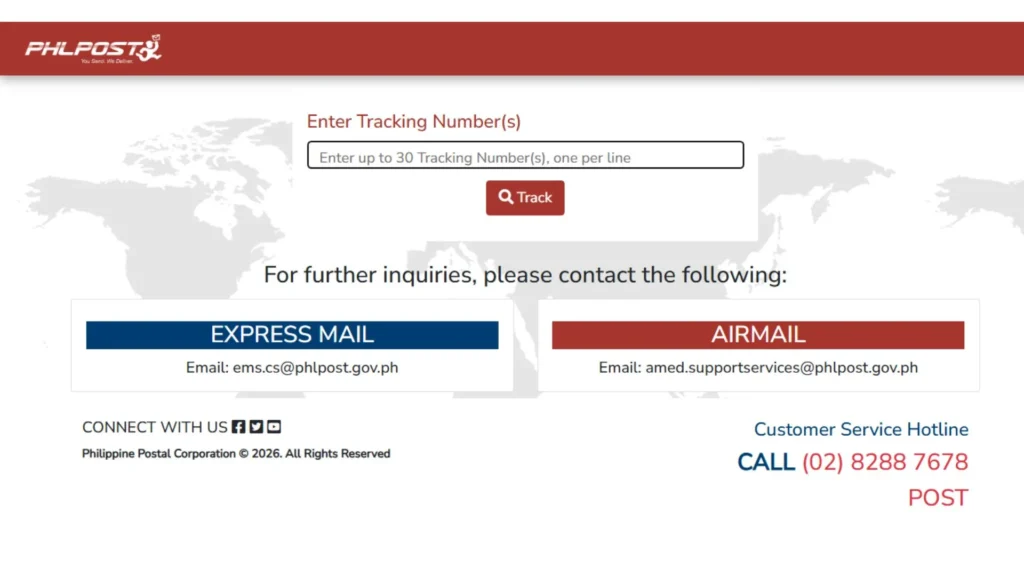
You will see:
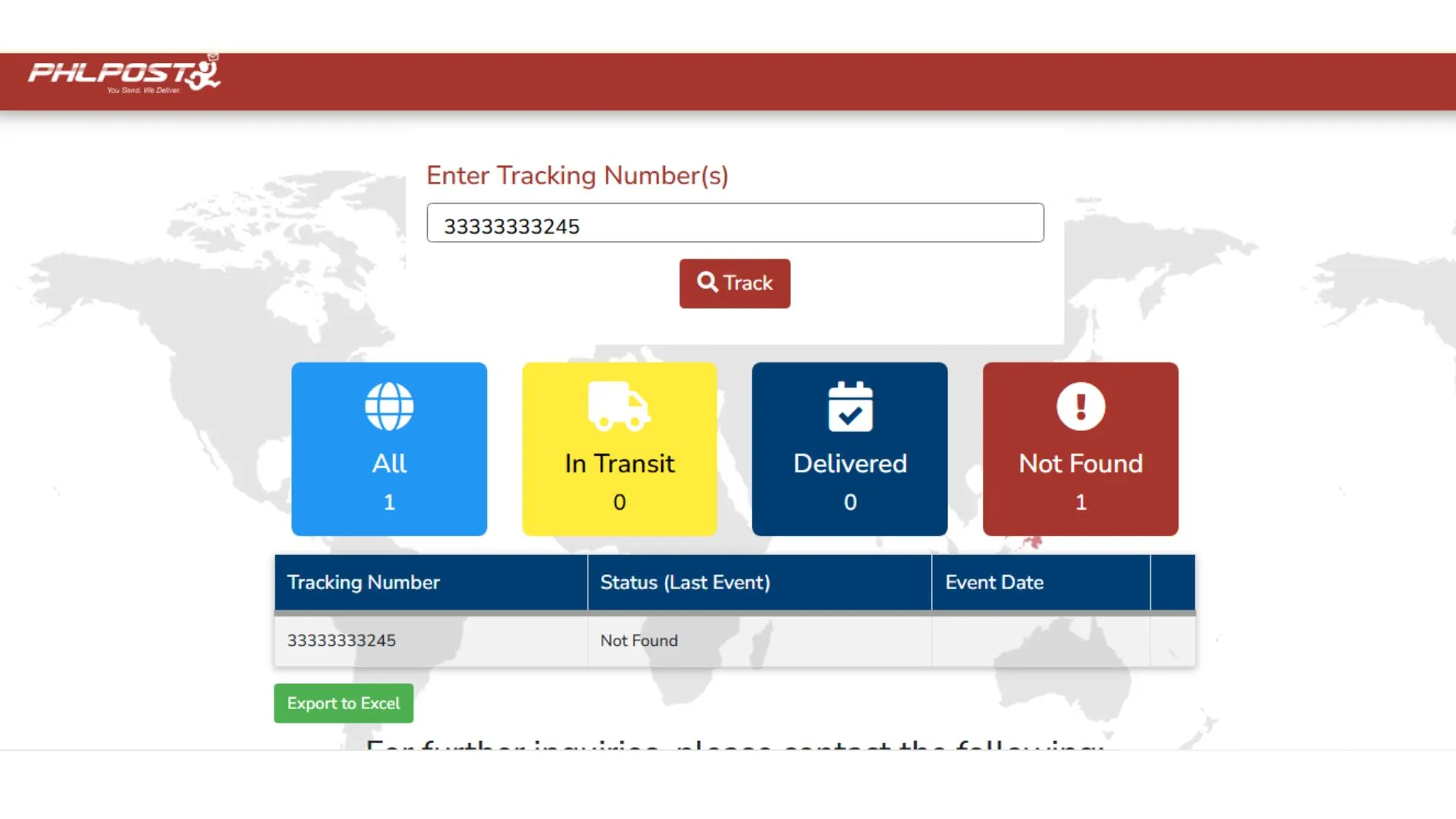
You can track multiple IDs by entering each TRN on a new line.
What Do the PHLPost Statuses Mean ?
Understanding these statuses helps you know exactly what is happening with your ID and what action you should take next. Each status shows a specific stage in the delivery process.
Pro Tips for Better Tracking:
National ID Tracking By QR Code Scanner
Your physical card and paper ePhilID include a QR code on the back. This QR code is not used for delivery tracking. It is only used to verify your identity. This feature is especially useful for fast verification in official transactions where authenticity matters.
How to Scan and Verify?
If successful, you will see your photo, name, PSN, birth details, and National ID verification status. You can use this for banks, airports, and government transactions.
Where to Find Your National ID Tracking Number (TRN)
Your TRN is not the same as your PhilSys Number (PSN) or your PhilSys Card Number (PCN). Only the TRN works on the PHLPost tracking page.
Note: This same TRN tracks both your plastic card delivery and your paper ePhilID readiness.
What to Do If Your National ID Tracking Shows Not Found or You Lost Your TRN
Problems with tracking are common and usually easy to fix. To solve the issue follow the steps given below:
If Your Tracking Shows Not Found
If You Lost Your TRN
Do not panic. Your registration record is still in the system. The PSA says you can send your personal details to its official channels so they can process the retrieval of your TRN. Prepare these details:
You can contact the PSA Registry Office by calling 1388 or emailing [email protected]. You can also visit the nearest PhilSys registration center for help. All details you send are kept confidential under the Data Privacy Act.
Note: Many people report waiting many months or even years and still seeing “Not Found.” This is frustrating, but it does not mean you were rejected. You only need to register once, so do not register again. Your PhilSys Number is already created after registration. While you wait, you can use the ePhilID or the Digital National ID. .
How to Check Your National ID in Person (Physical Visit)
Online tracking is the fastest way, but sometimes you need to go in person. This is helpful if you lost your TRN, your tracking keeps saying “Not Found,” or your card was delivered but you never received it. There are three places you can visit.
PhilSys registration center or PSA office
PHLPost branch
PSA Regional or Provincial Statistical Office
Tips before you go:
How Long Does National ID Delivery Take?
There is no fixed date. The PSA once estimated delivery within six months after registration, but many people in the Philippines wait longer or shorter than that. The time depends on card production and your location.
That is why checking your status is useful. You do not need to guess, and you can see the moment your card moves from production to delivery.
Why You Should Track Your National ID?
PhilSys National ID tracking helps you:
Tracking takes just 30 seconds and helps millions of Filipinos every month. Start today and stay ahead
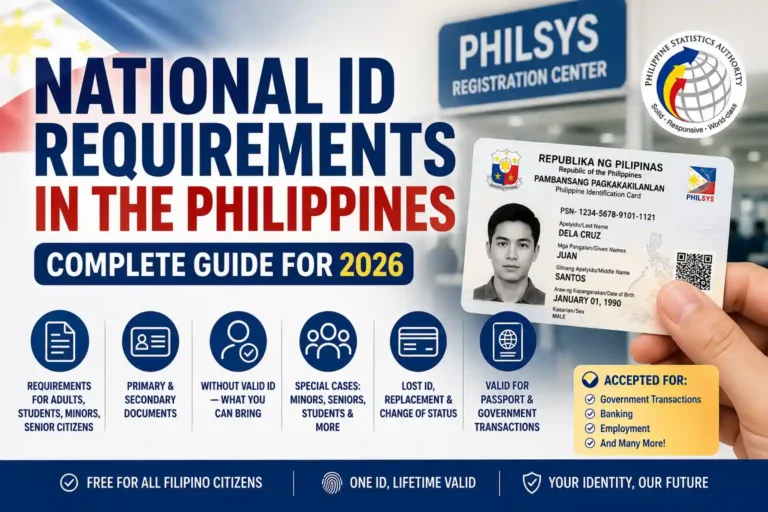
What Are the Numbers on Your National ID?
Many people mix up the numbers, and this is a common reason tracking fails. Here is the difference:
Number | Length | What it is for |
|---|---|---|
TRN (Transaction Reference Number) | 29 digits | Printed on your transaction slip. Used to track delivery and ePhilID availability |
PSN (PhilSys Number) | 12 digits | Your permanent National ID number. It is random and does not show your birth date |
PCN (PhilID Card Number) | Printed on the front of the card | Used like a card number for online verification, so your PSN stays private |
If you type your PSN or PCN into the PHLPost tracker, it will not work. Use the 29-digit TRN.
What If the Status Says Delivered but You Did Not Get Your ID?
First, ask your family or neighbors if they received it for you. Then visit your local PHLPost branch with your TRN and a valid ID and ask about your card. If the post office cannot help, contact the PSA at 1388 or [email protected] and share your TRN and registration details.
If your card could not be delivered because of a wrong address or because nobody was home, ask your local PHLPost branch what to do next. Because the exact process can change, also check with the PSA before you travel far.
What If Your ID Has a Problem?
Conclusion
You now have the most complete and accurate guide to national id tracking in the Philippines. Whether you use the PHLPost tracker, QR scanner, or eGovPH app, everything is official, free, and super simple.
Bookmark https://tracking.phlpost.gov.ph/ and check your status this week. Once your card arrives, you’ll enjoy easier banking, government services, and daily life with just one powerful ID.
Start tracking right now enter your TRN and watch the updates appear! Questions? Drop them below or contact PSA directly.
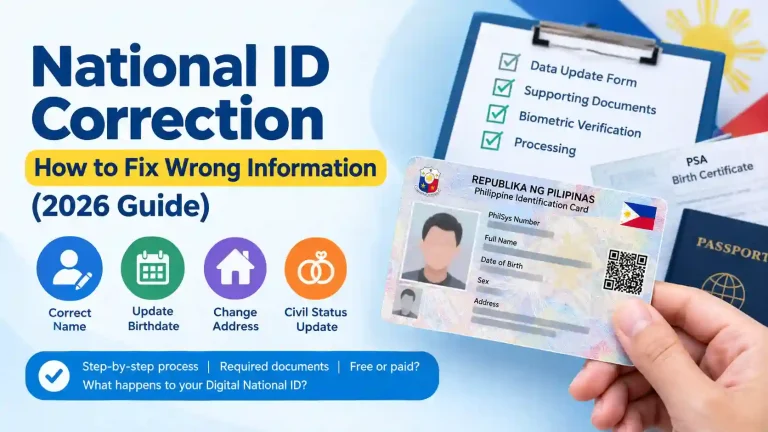

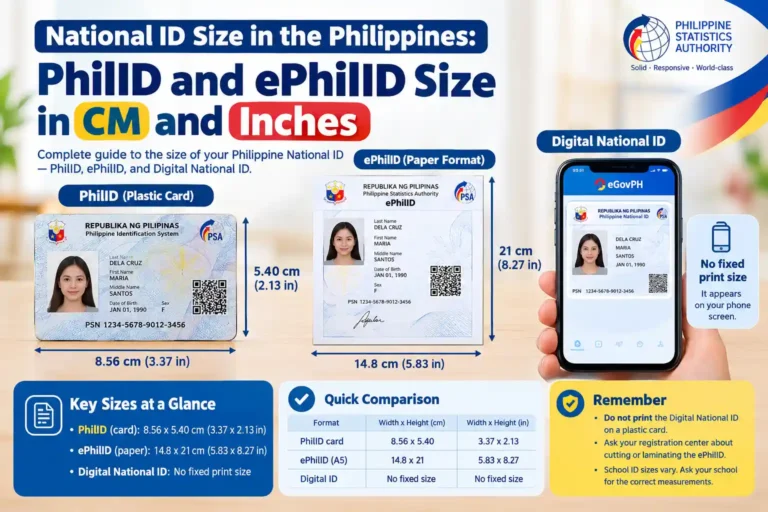
How to see I’d card
As we already described the method above on how to track your national id you can follow the instructions if you already have registered you id at PhilSys registration center then download eGovPH app register your account and complete profile and you will be able to get your digital national id within 7 days