How to Get National ID Digital Copy 2026? Download Yours in Minutes
Still waiting for your physical PhilSys card to arrive? You don’t have to. The National ID Digital copy lets you access your official ID instantly on your phone, with your photo, PSN, and a scannable QR code ready to use anytime. Thousands of Filipinos are already skipping the long wait and using their digital national id for banking, SIM registration, government services, and even travel. It’s fast, free, and fully valid, just like the plastic card.
In this updated 2026 guide, you’ll learn exactly how to download your national id digital copy in minutes, how to use it anywhere, and how to fix common issues if it doesn’t show up. If you’re registered in PhilSys, you’re just a few taps away from getting your ID right now.
What Is National ID Digital Copy and Why You Should Get It Now
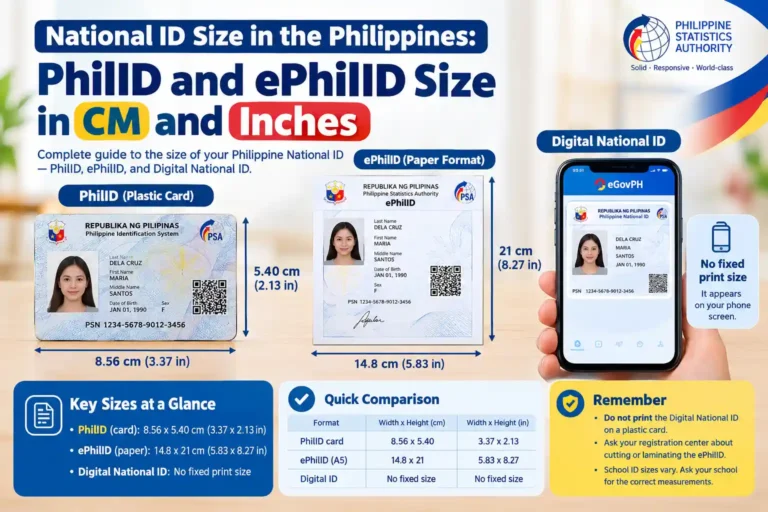
The national id digital copy, also called Digital National ID or ePhilID digital version, is your official PhilSys ID in electronic form. It shows your photo, name, PhilSys Number PSN, date of birth, address, and a secure QR code. You can get a digital copy of national id on your phone and use it immediately, no need to wait for the plastic card in the mail.
Why Get Your National ID Digital Copy Right Away?
How to Get National ID Digital Copy Using eGovPH App
Here is the exact process. It takes less than 10 minutes if you are already registered. Follow these steps carefully to download national id digital copy.
Before You Start: Quick Pre-Requirement
To get your national id digital copy download, you must already be registered in PhilSys. If you have not registered yet, do that first at any National ID registration center and bring your birth certificate and one valid ID. Once you have your PhilSys Number PSN and physical card or ePhilID, you are ready for the app. No extra fees, everything is free.
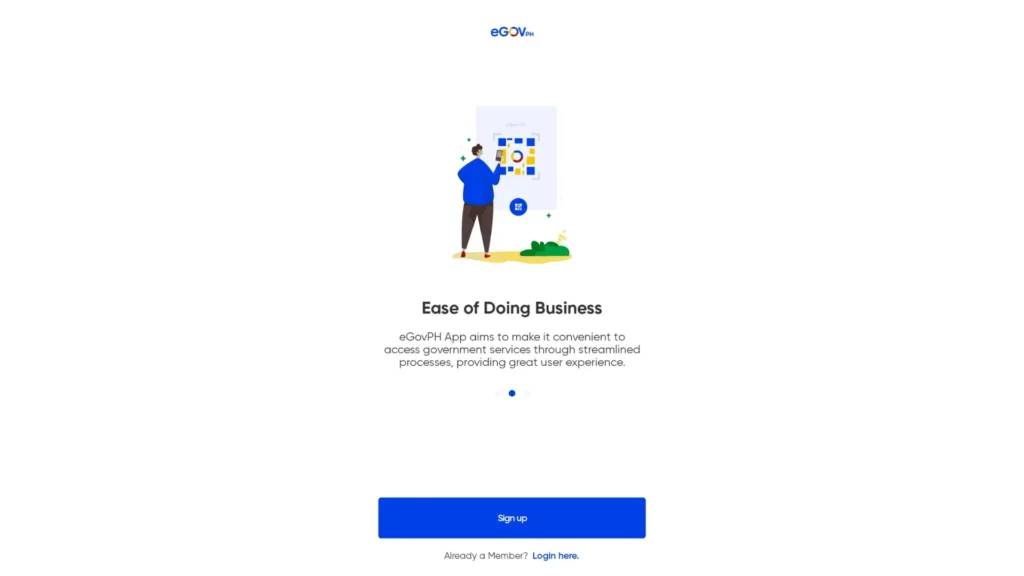
Step 1: Download the Official eGovPH App
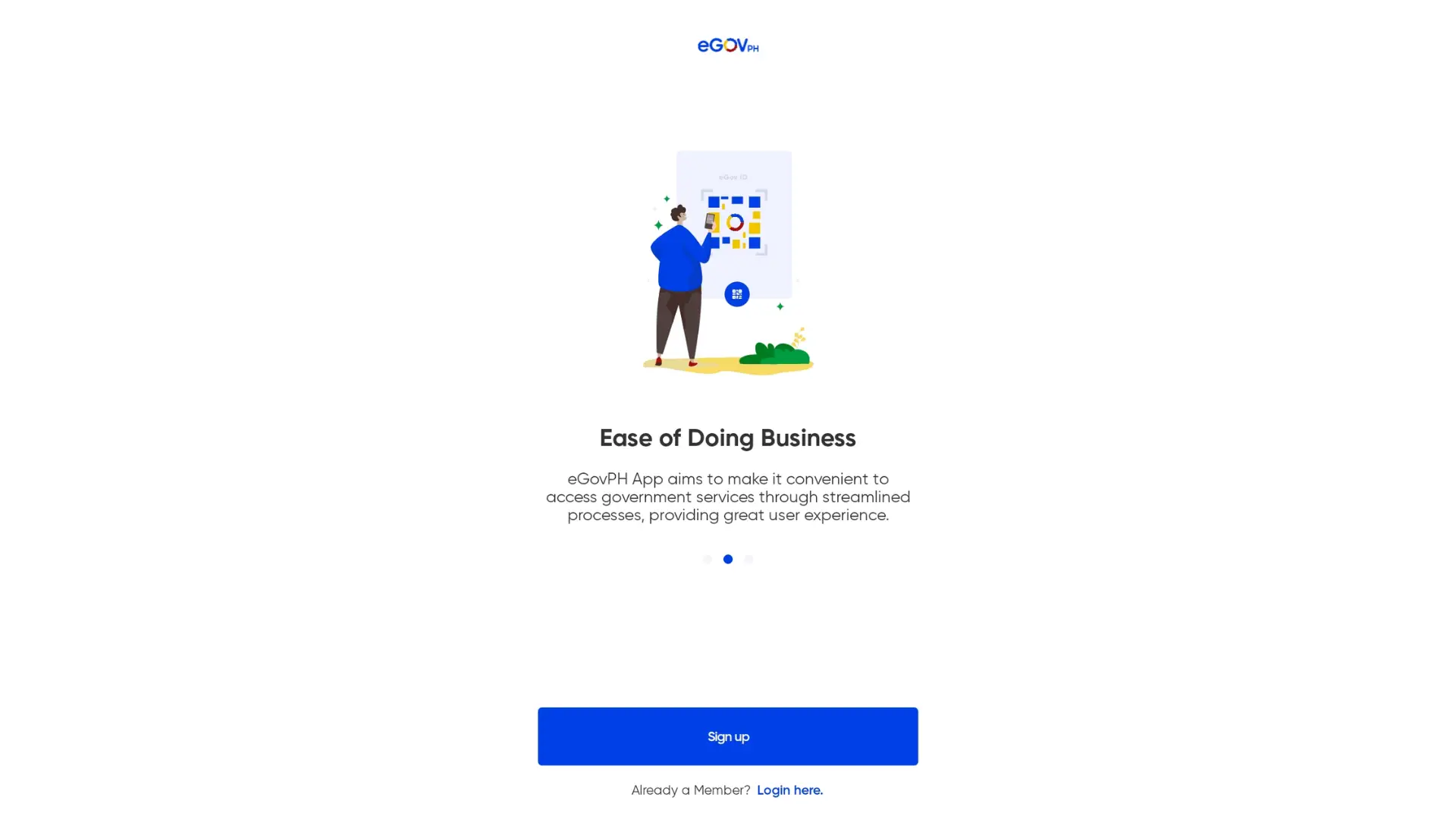
Step 2: Create or Log In to Your Account

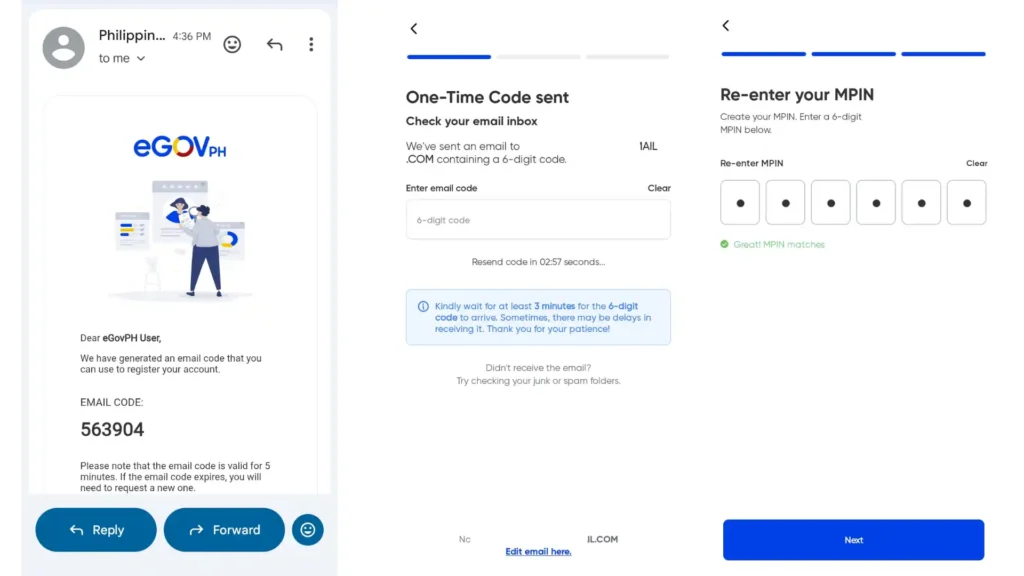
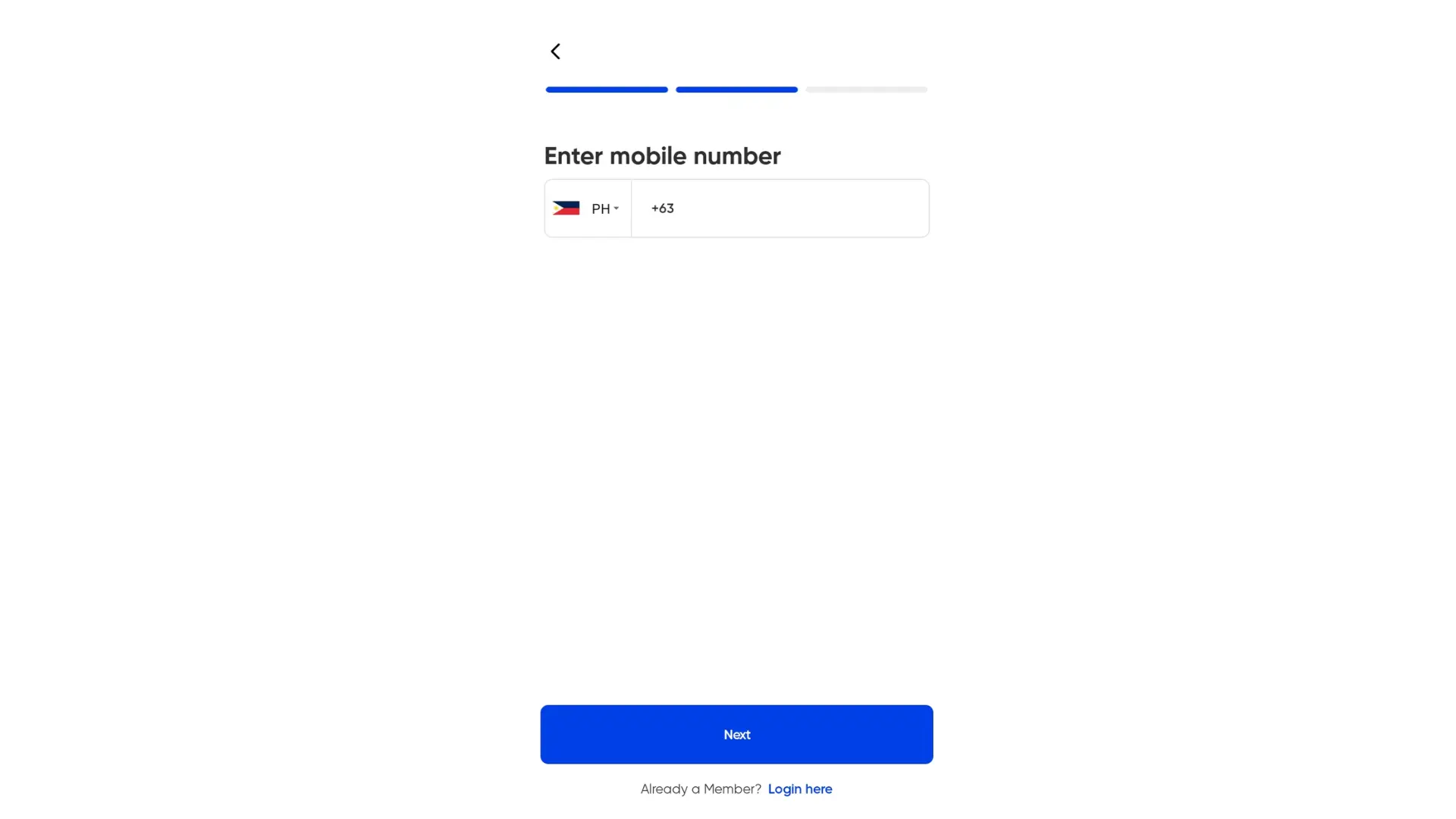
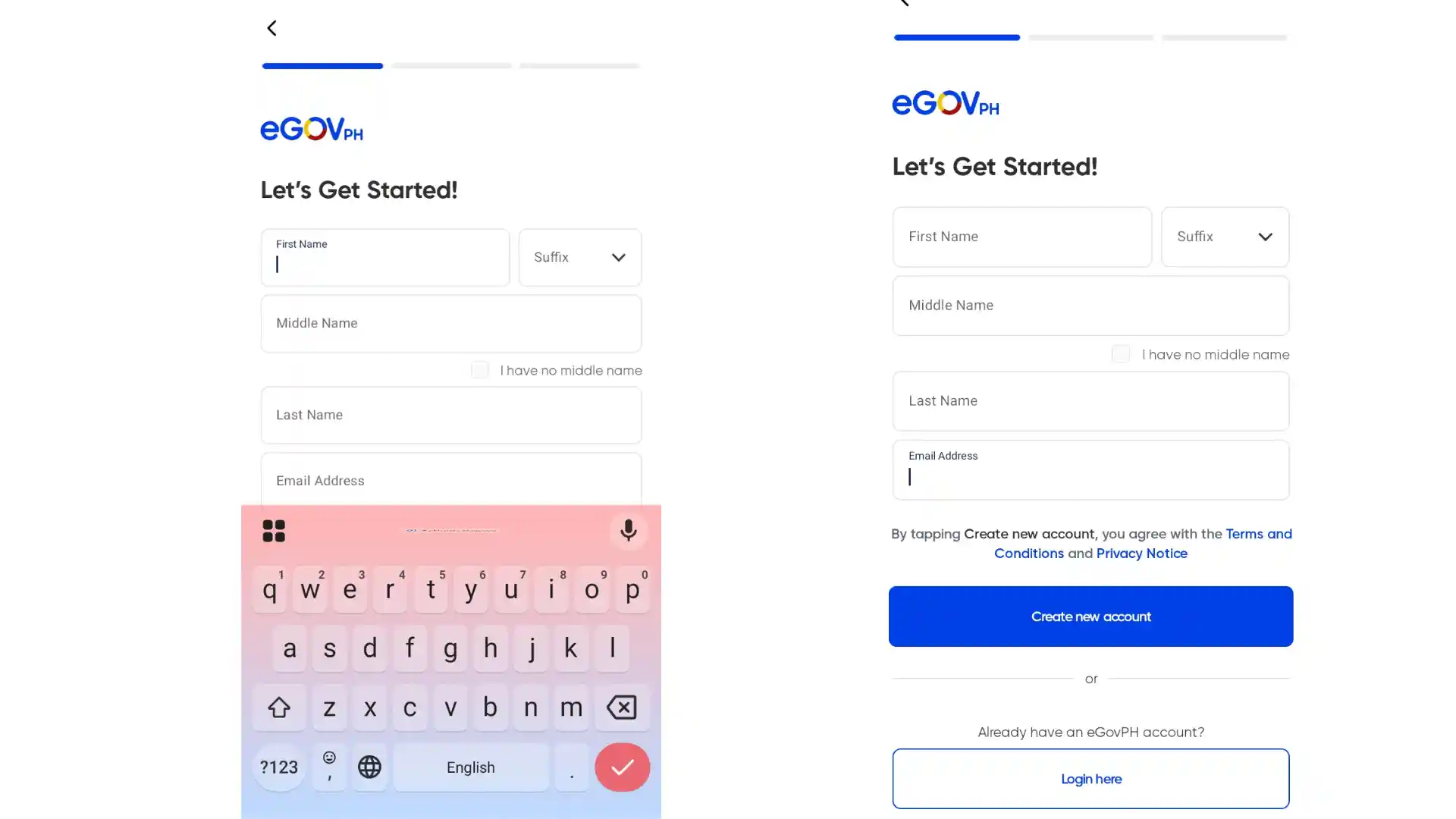
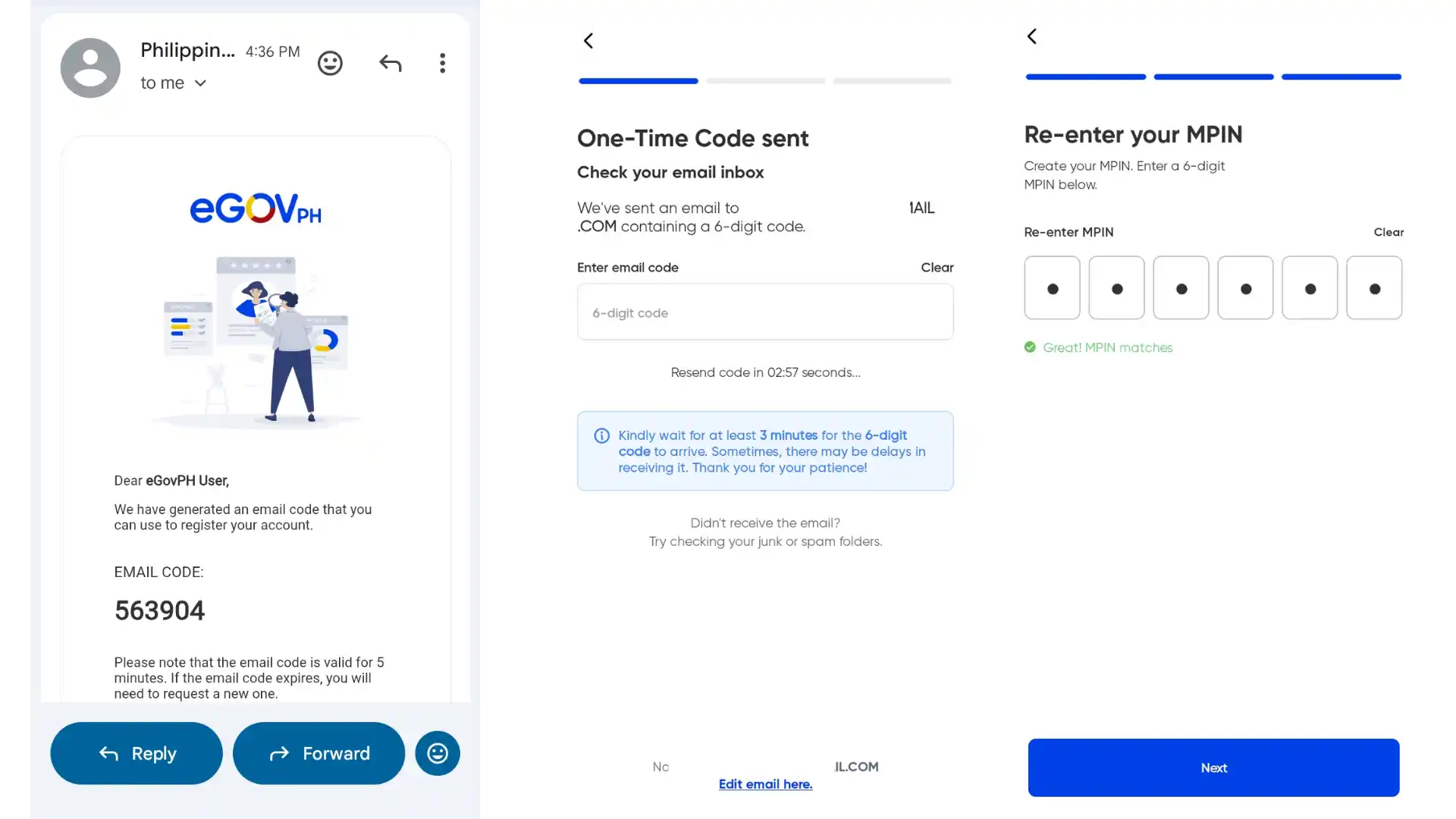
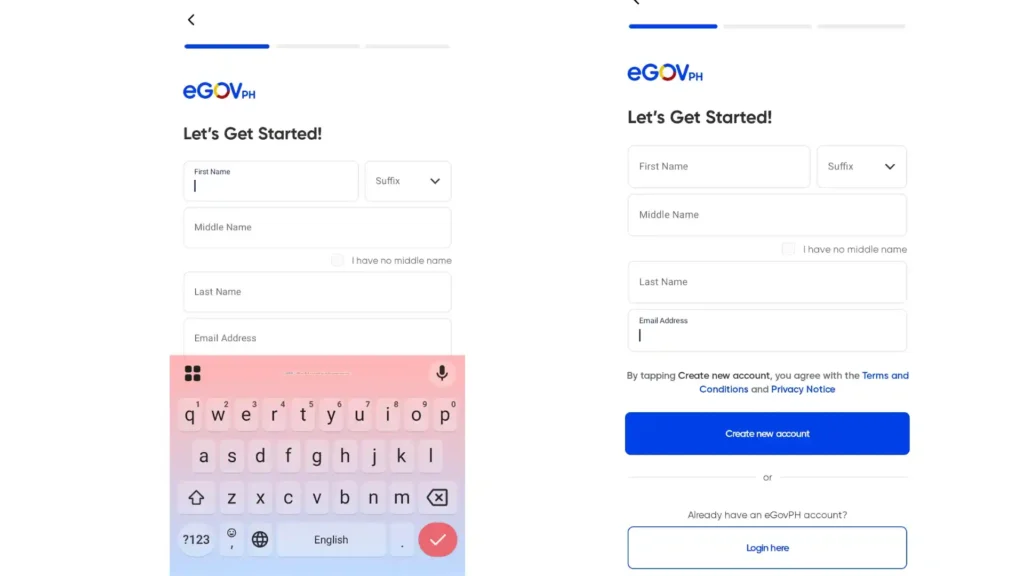
Step 3: Enter Your Personal Information
Carefully input your details exactly as registered in PhilSys, including:
Important: Even small differences like missing middle initials or spelling errors may cause verification failure.
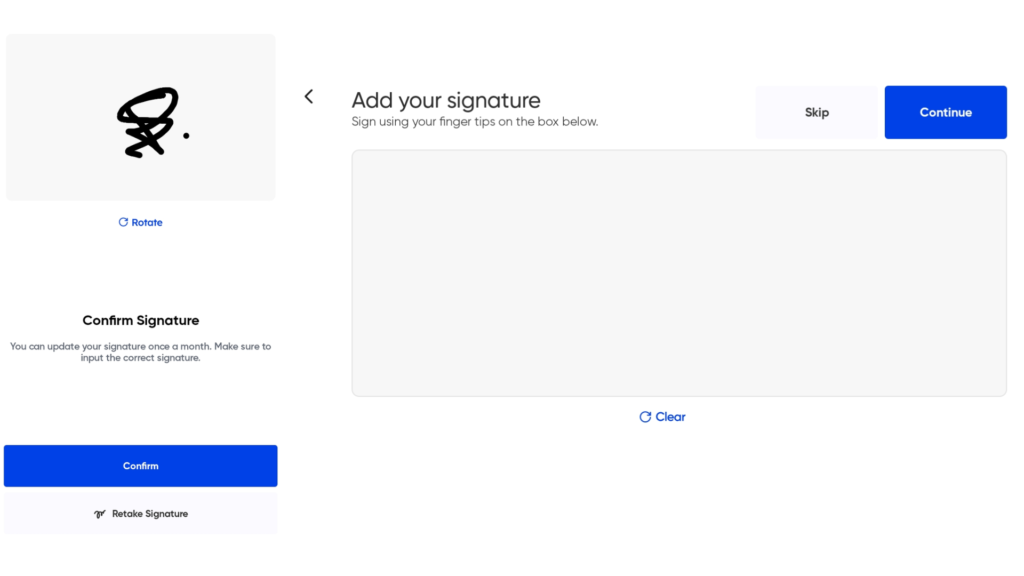
Step 4: Add Your Digital Signature (Optional)
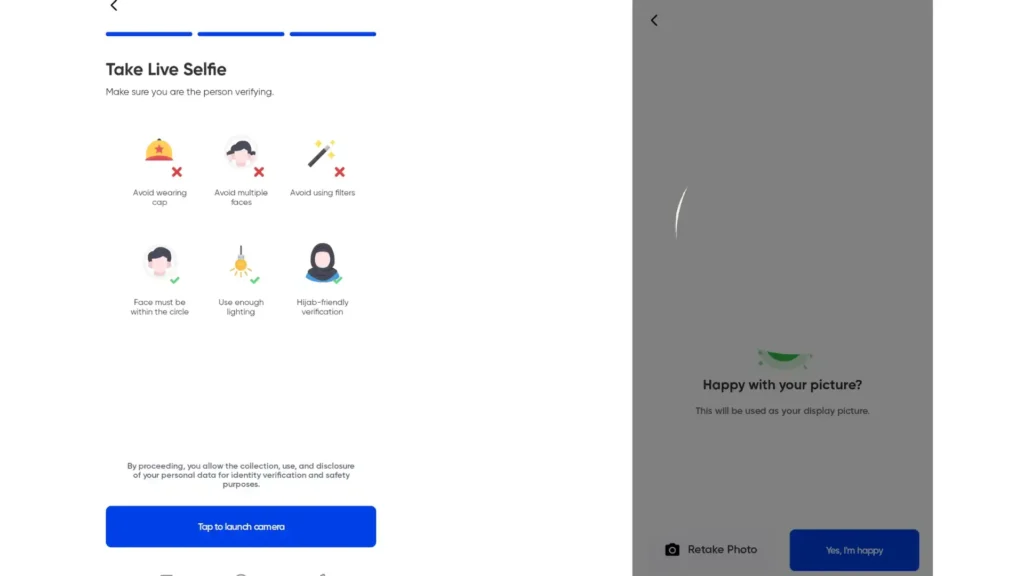
Step 5: Complete Live Selfie Verification
Tips for successful verification:
If verification fails, try updating the app to the latest version or use the official national-id.gov.ph portal. Some PSA offices may also assist with digital ID access.
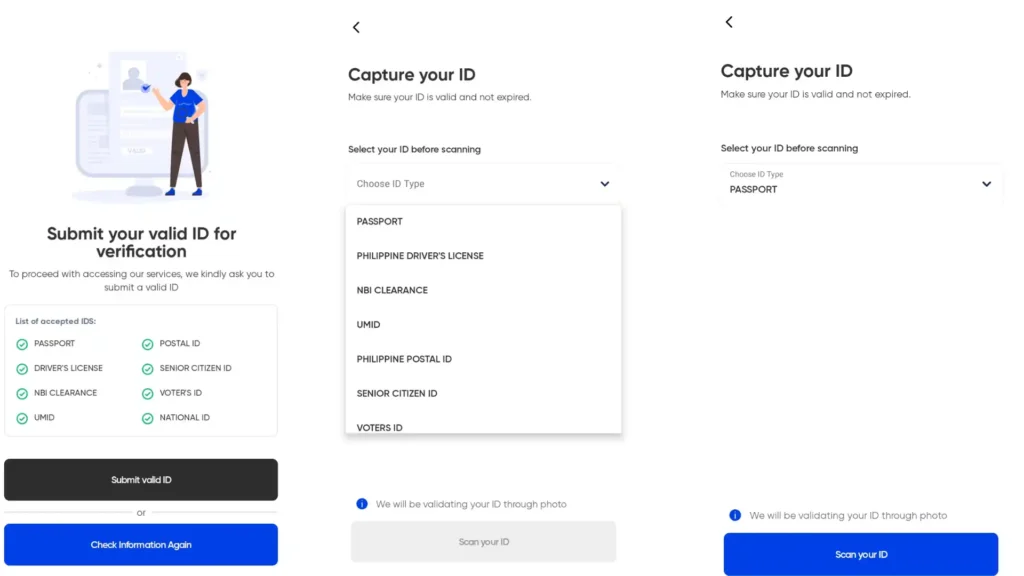
Step 6: Upload a Valid ID
You would need to submit a supporting identification document. Accepted IDs include:
Select your ID type, then scan or upload it carefully before submitting.
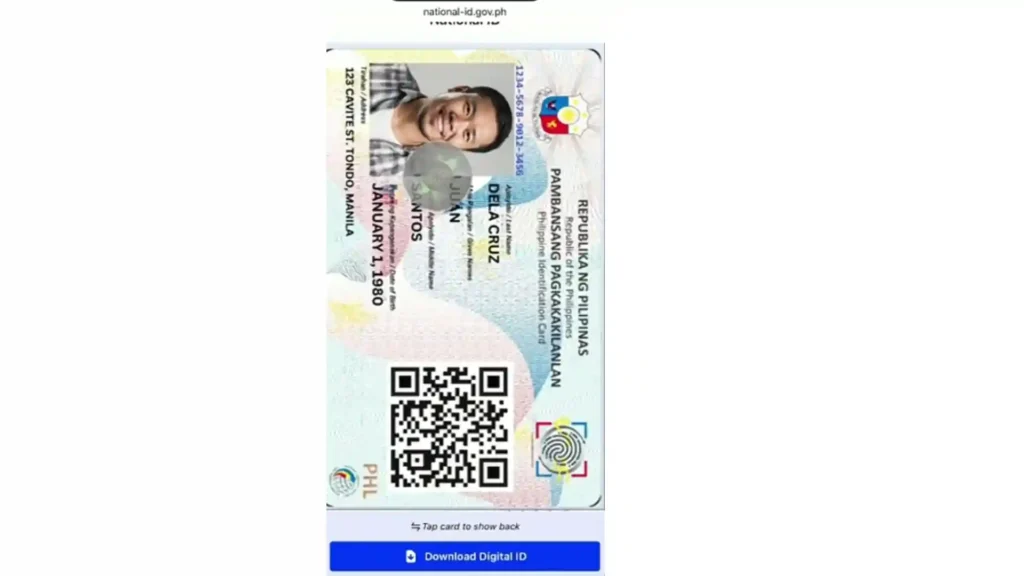
Step 7: View and Download Your Digital National ID
After successful review and verification, your Digital National ID will be displayed in the app.
You can:
Processing time usually takes up to 7 days, but users with pre-approved accounts may receive it instantly.
Step 8: PDF Password Protection
Example: If your birthday is January 5, 1990, your password will be 01051990
How to Use Your Digital National ID Every Day
You can use Digital National ID for following purposes:
How to Get Printable Paper ePhilID Official Printed Digital Copy
Want a physical paper version you can print or laminate? To get ePhilID or National ID in paper format follow the steps given below:
Is the Digital National ID Copy Valid Can You Print It
Yes. According to official PSA rules:
Tips for Using Your National ID Digital Copy Safely
Conclusion
You now have the complete, easy-to-follow guide to get digital copy of national id in the Philippines. Whether you use the e gov ph national id digital copy in the app, download from national id gov ph digital copy website, or print the official paper ePhilID at a PSA center everything is free, official, and ready in minutes.
Stop waiting for the plastic card! Download your national id digital copy now at https://national-id.gov.ph/ or open the eGovPH app. Show it anywhere, verify with QR code, and enjoy fast services.

2 Comments