National ID Sample Philippines: Phil & Digital ID Sample 2026
National ID sample Philippines is one of the most searched topics right now, especially by Filipinos who are waiting for their PhilID or trying to verify if what they see online is real. If you are searching for a clear and official philippine national id sample, this guide gives you exactly what you need in one place.
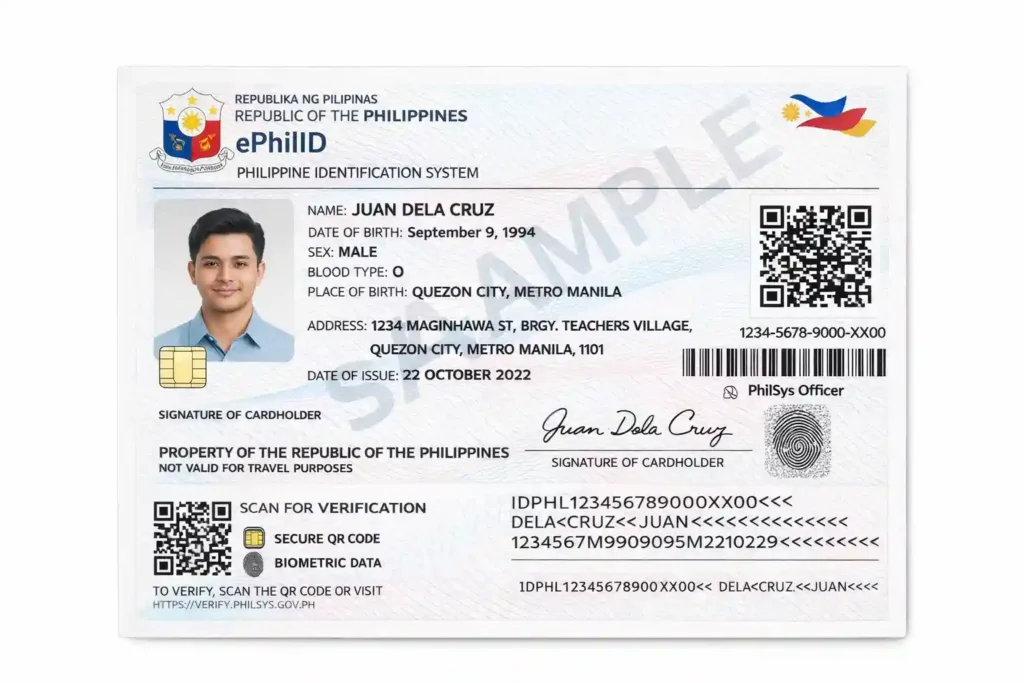
Many websites show confusing or even fake templates, which makes it hard to know what the real national ID actually looks like. You will see how the national ID looks from front to back, including the digital version inside the eGovPH app and the printed ePhilID.
In the next sections, you will learn the exact layout of the card, the meaning of the QR codes and the correct ID size. If you want to see the real national id sample Philippines without confusion or risk of fake designs, this guide will give you a complete and accurate picture before your ID arrives.
What Is the Official National ID Sample in the Philippines?
The Philippine National ID, also called PhilID or PhilSys ID, comes in three official formats:
All three formats contain the same personal details, but they look slightly different. The physical card is made from solid polycarbonate material with built-in security features. The digital version shows a live image and QR code for instant verification. Every official national ID sample includes:
These elements help ensure fast identity verification and reduce fraud.
National ID Size Philippines
Many people also search for the exact national ID size in the Philippines. The official PhilID card follows a standard ID card format similar to a bank card:
This is the same size as a credit or debit card, making it easy to carry in your wallet. The ePhilID paper version is larger since it is printed on paper, while the digital national ID does not have a fixed size because it adjusts to your mobile screen.
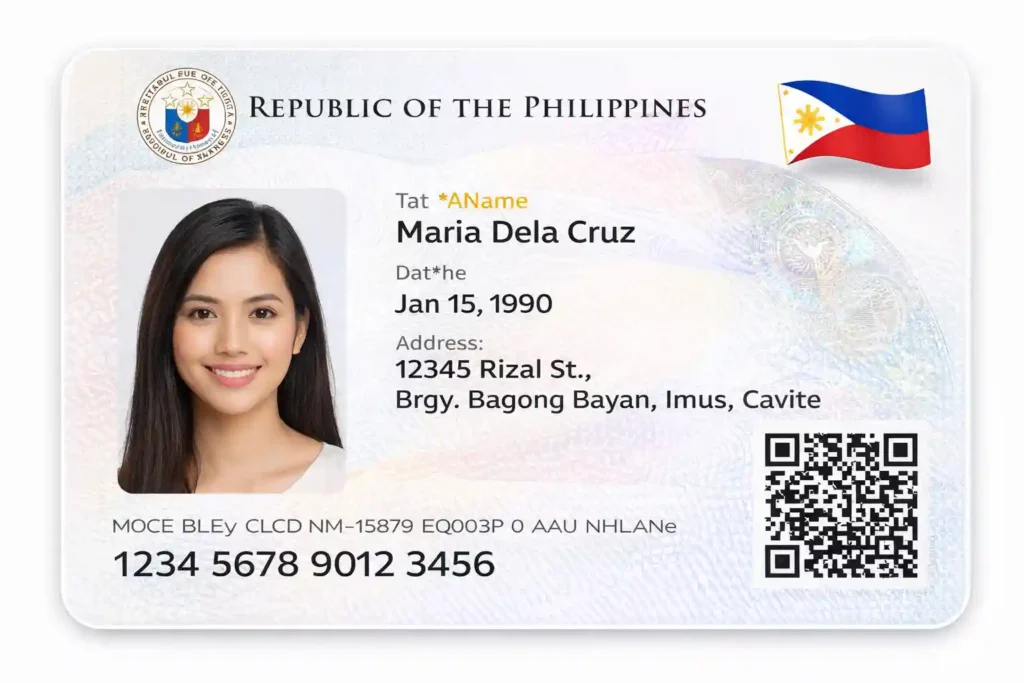
Front Side of the National ID Card Sample
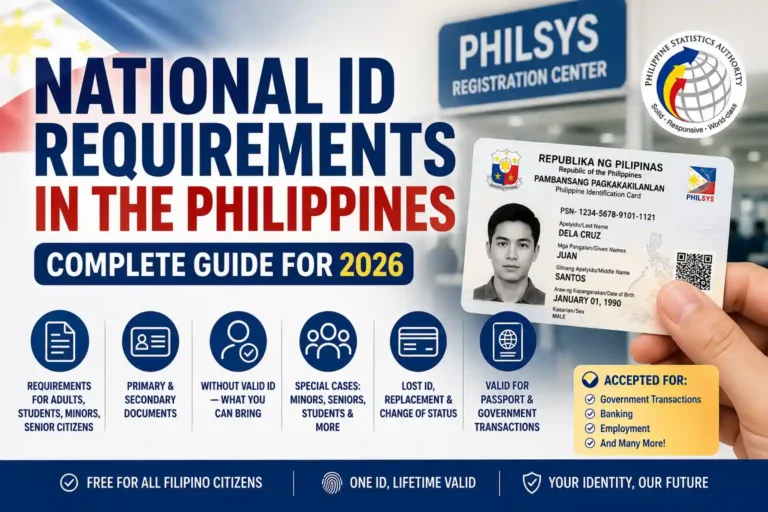
The front side of the Philippine national ID sample is simple here is what it contains:
The layout is designed to keep all important information clearly visible, even in low light conditions.
Back Side of the National ID Card Sample
The back side contains additional personal and security information. Here are the details included:
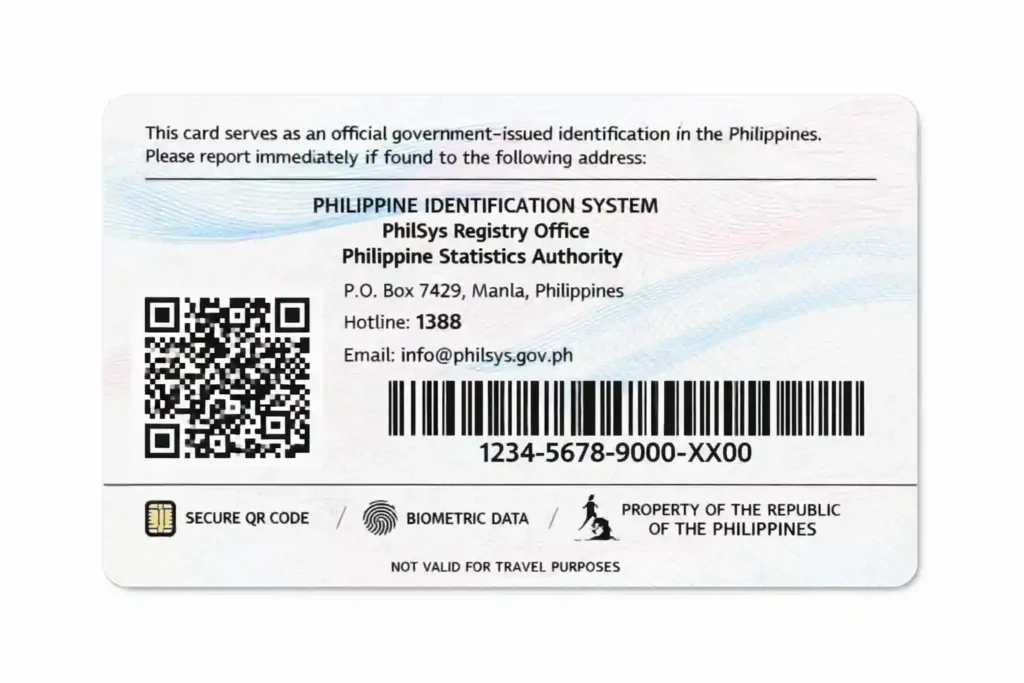
Your full PhilSys Number is not shown in plain text. It is protected through microprinting and QR code encryption. The ePhilID paper version follows a similar layout but is printed on official security paper.
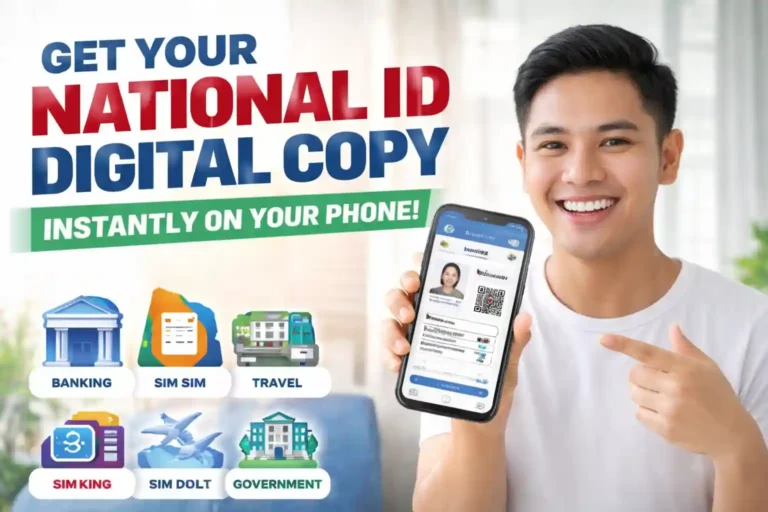
Digital National ID Sample: What It Looks Like in the eGovPH App
The digital National ID is now widely used because it is convenient and always accessible. Inside the eGovPH app, your ID appears in two screens.
Front Screen:
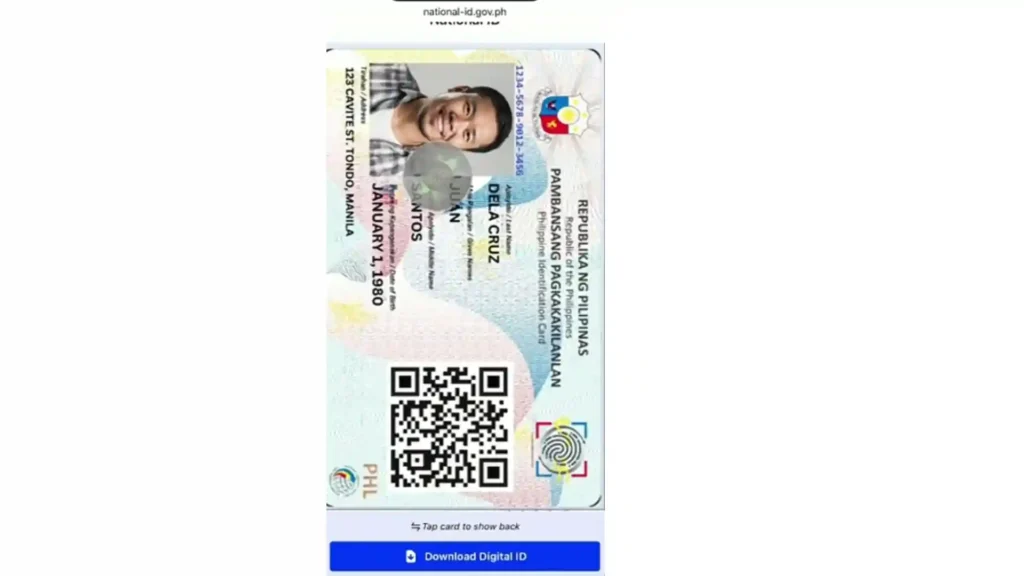
Back Screen:
This version can be used for banks, airports, deliveries, and government services. You can simply show the QR code for verification.
Key Features in Every National ID Sample Philippines
Every official national ID includes strong security features:
These features make the ID very difficult to copy or fake.
National ID Template Philippines: Important Warning
Be careful when searching for:
These are not official. The Philippine government does not provide blank or editable templates. Any website offering them is not authorized. Using fake templates can lead to serious legal problems. Always use only your official ID or the digital version in the eGovPH app.
Where to See Real National ID Sample Pictures
You can view real national ID samples through official sources:
Once registered, your own digital ID becomes your official reference. If you lose your physical card, the digital version can be used immediately as valid identification.
Conclusion
Now you have a complete picture of the national id sample philippines, from the physical card to the digital national id sample. The official design is clean, secure, and built for easy daily use.
Remember, the only real philippine national id sample comes from PhilSys registration or the eGovPH app. Stay away from any national id template free download, blank national id templates, or editable files online. They are not safe and not allowed.
If you still need your own ID, register at the nearest center or open the eGovPH app today. Your personal sample of national id will be ready in minutes and will serve you for life.
Share this guide with friends searching for national id sample, sample national id card, or national id sample ph. Knowing the real look helps everyone stay safe and avoid fake documents.
Stay informed and use only official sources. Your Philippine National ID is one of the most important documents you own. Protect it and use it wisely every day!