How to Get ePhilID: Claim Your Printed Paper National ID Now

If you have already registered for the Philippine National ID, the next thing you are probably looking for is how to get ePhilID quickly. The good news is you do not have to wait months for the plastic card to arrive. You can claim your printed paper National ID much faster and start using it right away.

The ePhilID is issued by the Philippine Statistics Authority and serves as an official, valid version of your National ID. It contains all your key details and works for most transactions including banks, government services, and identity verification.

Many people prefer getting the ePhilID because it is free, fast, and available for immediate use. Whether you need a valid ID for urgent requirements or just want a physical copy to carry, claiming your printed paper National ID is the easiest way to get started.

What Is ePhilID?

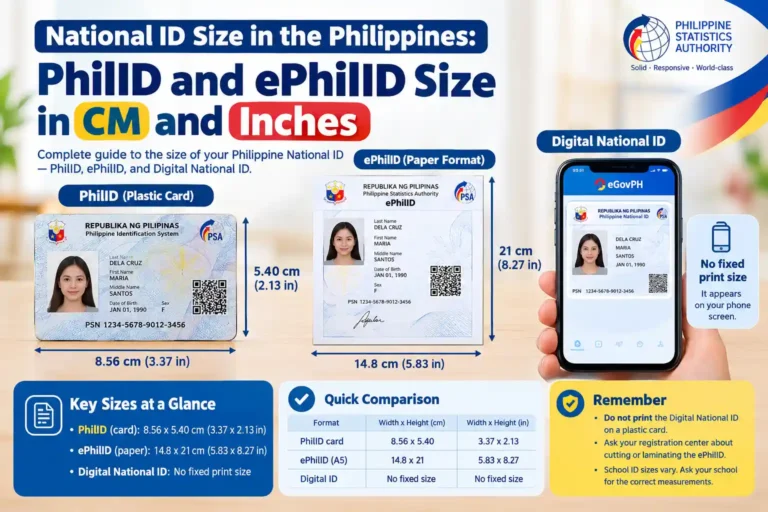
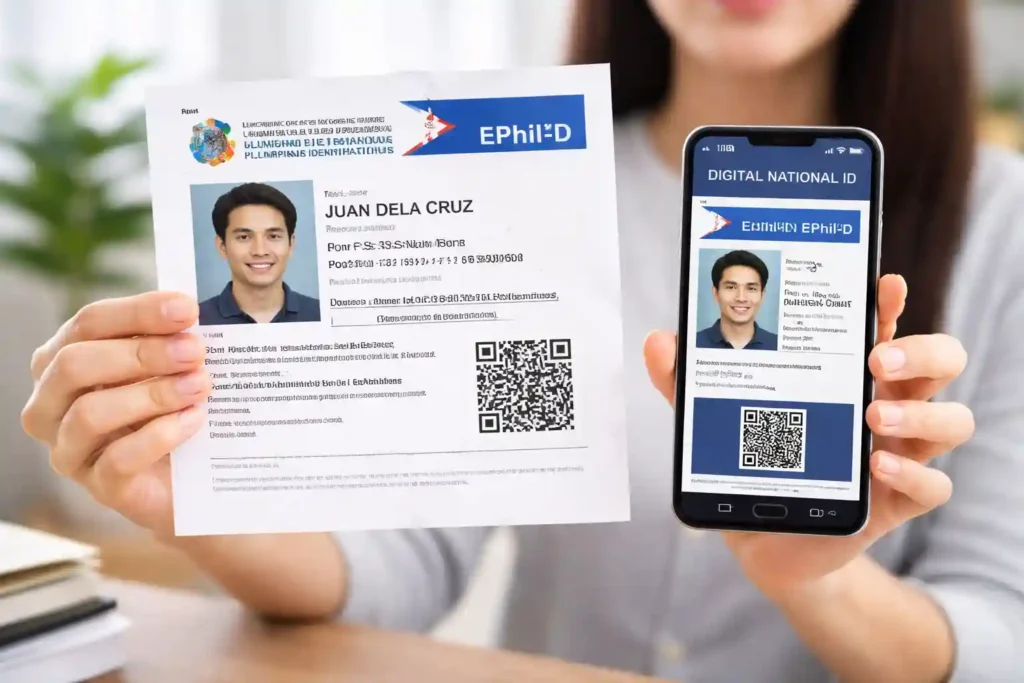
ePhilID stands for electronic Philippine Identification. It is the official printed paper format of the Philippine National ID (PhilID or PhilSys ID). It includes your photo, full name, date of birth, PhilSys Number (PSN), and a scannable QR code. ePhilID and National ID are the same thing. The ePhilID is simply the paper version of your National ID.
How to Get ePhilID

Important Note: The printed ePhilID (paper) is different from the Digital National ID you download from the eGovPH app or national-id.gov.ph. Both are valid, but many people specifically want the physical paper copy.

How to Get ePhilID?

Here is the simplest and most current way to claim your printed ePhilID.

Step 1: Prepare Your Transaction Reference Number (TRN)

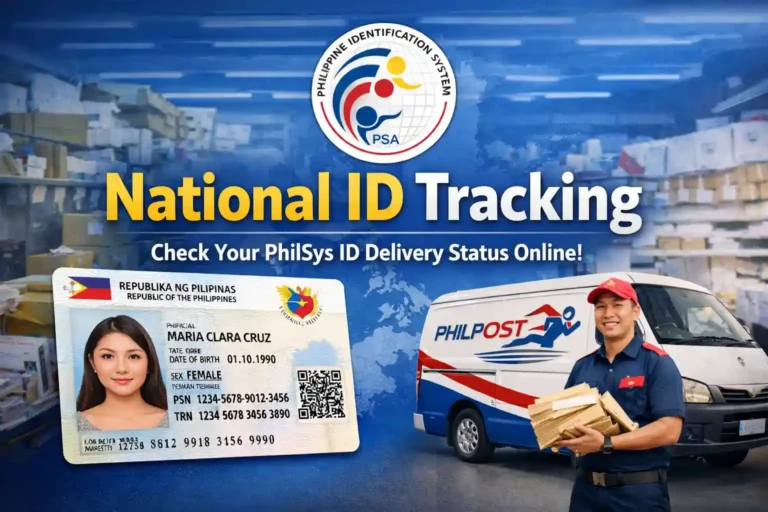
After your National ID registration you receive a transaction slip with your 29-digit TRN. Keep this slip safe because it is your key to getting the ePhilID.

Step 2: Visit Any PhilSys Registration Center

No mandatory online appointment is required anymore. Simply go to the nearest National ID registration center:

  • PSA Regional or Provincial Offices
  • Mall-based centers
  • LGU-based centers
  • Mobile sites (National ID on Wheels or Boat)

You can find the full updated list of centers on the official PhilSys website: philsys.gov.ph/registration-center.

Step 3: Request and Claim Your Printed ePhilID

  • Bring your TRN/transaction slip and one other valid government ID for quick verification.
  • Tell the staff: I want to claim my printed ePhilID or National ID paper format.
  • They will print it for you on the spot for free.
  • Many people walk out with their paper ePhilID in just a few minutes.

Tip for lost TRN: Go to the same center and provide your full name, date of birth, and other basic details. The staff can help retrieve it.

Can You Get Your ePhilID Immediately After Registration?

Yes. According to the latest PSA guidelines, if there are no data issues or duplicates, you can often get your printed ePhilID right after completing biometrics and documents verification at the same registration center.
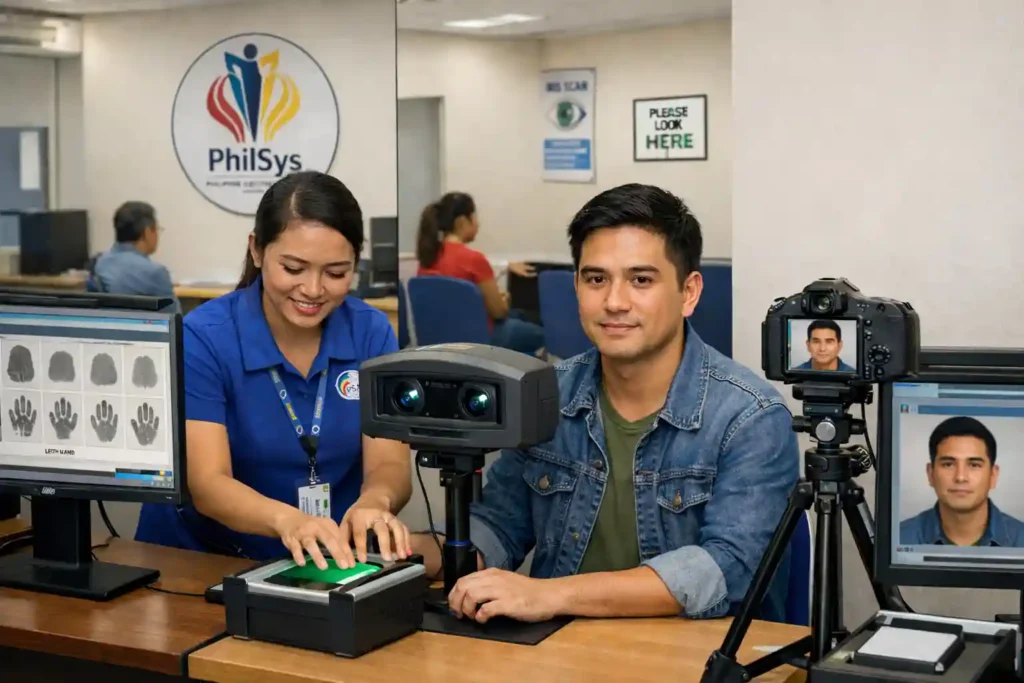
Biometrics Capture at PhilSys center

Can You Download or Print ePhilID Online?

  • The official printed ePhilID cannot be downloaded or printed from home.
  • You must claim it in person at a registration center.
  • However, you can instantly download the separate Digital National ID from the eGovPH app and print digital National ID on regular paper as a temporary backup.
  • You cannot print your own plastic card version because that is strictly prohibited.

How to Verify Your ePhilID

  • Once you have the paper copy go to verify.philsys.gov.ph.
  • Scan the QR code on the back and it will instantly confirm it is genuine.
  • This works perfectly for ePhilID National ID verification.

Is ePhilID Valid?

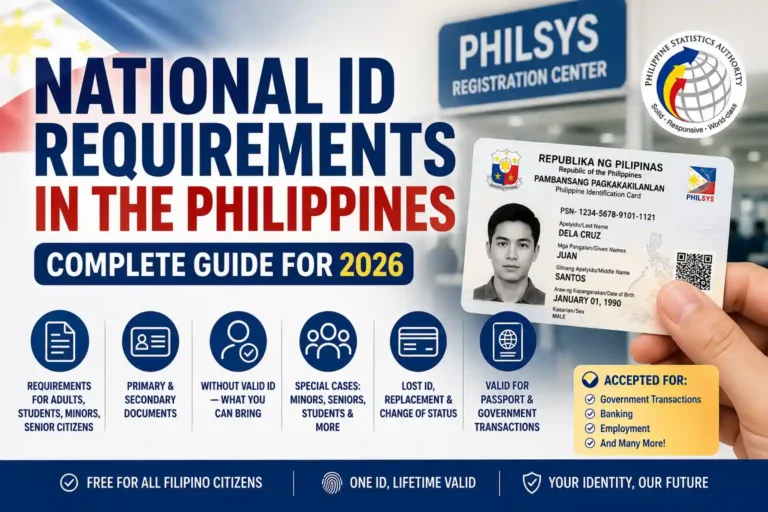
Yes, the ePhilID is fully valid and officially recognized across the Philippines. It is issued by the Philippine Statistics Authority and carries the same legitimacy as the physical plastic National ID card. You can confidently use your ePhilID for most everyday transactions:

  • Banks and financial services
  • Government offices and public services
  • GCash and other e-wallet verification
  • Passport and NBI clearance applications
  • Job applications and identity verification
  • Domestic travel and airport check-in

The ePhilID includes a secure QR code that can be scanned for real-time verification, making it reliable and widely accepted.

Important things to remember

  • It is a valid government ID even if it is printed on paper
  • You can laminate it without affecting its validity
  • It remains valid while you are waiting for your plastic National ID card

In short, the ePhilID is not just a temporary slip. It is a legitimate and trusted proof of identity that you can use almost anywhere in the Philippines.

Extra Helpful Tips

Here are some practical tips that can make getting and using your printed ePhilID even smoother:

  • You can laminate the paper ePhilID for longer use because this does not affect its validity at all.
  • Many people do this so the paper stays clean and does not tear easily when carried in a wallet every day.
  • Minors can also get their own ePhilID. A parent or guardian must go with them to the registration center and bring the child’s birth certificate plus one valid ID of the parent or guardian.
  • The process is exactly the same for everyone, including overseas Filipinos who registered locally. If you are an OFW who just came home for a visit, you can claim your printed ePhilID at any center using your TRN.
  • Always keep a photo or screenshot of your 29-digit TRN on your phone just in case the original slip gets lost. This makes retrieval much faster at the center.
  • If the center is busy, try going early in the morning or on weekdays. Some centers also have special counters just for people who only want to claim their printed ePhilID.
  • You can ask for an extra copy of the printed ePhilID if you need one for different purposes (for example, one for your wallet and one for your documents folder). Most centers will print it for free.

Benefits of Having Your Printed ePhilID

Getting your printed ePhilID right away gives you several real advantages:

  • You get an immediate valid ID while waiting for the plastic card to arrive in the mail, sometimes weeks or months later.
  • It is easy to carry and present in person because it is just one sheet of paper that fits nicely in your wallet or folder.
  • It is fully accepted everywhere the National ID is accepted, including banks, GCash verification, passport applications, NBI clearance, loan apps, airport check-in for domestic flights, job applications, and government services.
  • It is completely free of charge, so you do not need to spend anything to have a strong government ID right now.
  • It serves as a reliable temporary national ID card that you can use immediately for almost any transaction.
  • It helps speed up daily tasks because you no longer have to explain that you are still waiting for your plastic card.

Conclusion

There you have it. The complete up-to-date guide on how to get your ePhilID in 2026. It really is as simple as finishing your registration, taking your TRN, and heading to the nearest center for your free printed paper National ID.

Do not wait months for the plastic card to arrive. Your printed ePhilID is ready now and works everywhere. If you still have questions about ePhilID or anything else drop them in the comments. And if you have not registered yet check out our other guides on this site.
Frequently Asked Questions

It is the official printed paper version of your National ID.

Yes. It is the paper format of the PhilID.

Go to any registration center with your TRN and request it on the spot.

No. Only the official center-printed version is the real ePhilID. You can print the separate Digital National ID at home as backup.

You cannot download the paper version. Download the Digital National ID from national-id.gov.ph instead.

At any PhilSys registration center nationwide (walk-in is accepted).

The eGovPH app gives you the Digital National ID, not the printed ePhilID.

You get the Digital version there. For the printed paper ePhilID go to a center.

Similar Posts

Leave a Reply

Your email address will not be published. Required fields are marked *